
The projector screen
The projector shows the words large and clear, and nothing else. The app keeps it up whatever else you do.
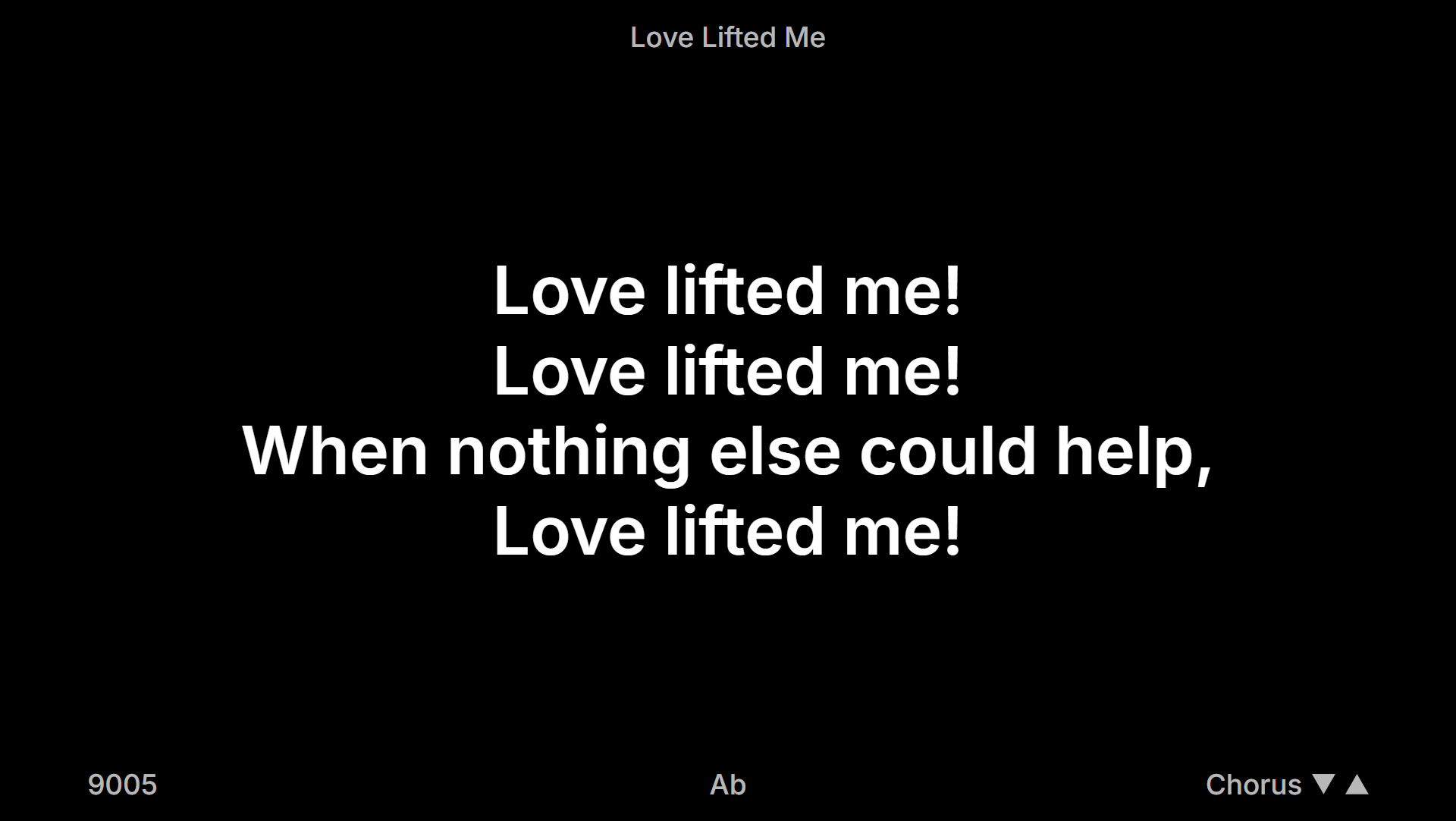
What it shows
- The words fill the screen. The app sizes them to fit, so a long stanza is smaller and a short one is larger.
- Lines break only where the song has them. The app never wraps a line on its own.
- The title runs along the top.
- The number, key and stanza name run along the bottom.
- ▼ beside the stanza name means another stanza comes next. ▲ means one came before.
- One stanza fades into the next. A blank fades to black.
Photos, videos and slideshows from Media show on the same screen. See the Media topics.
What it never shows
- No dialog, notice or message ever appears on the projector. Questions and notices stay on your screen.
- While the app is open, the screens never go to sleep.
If the projector is unplugged
The app carries on. Your screen stays as it is. Plug the projector back in and the picture comes back on it by itself.
Your Live monitor
The Live monitor in the Stage shows what the projector shows. It fades with the projector, so what you see is what the room sees.